
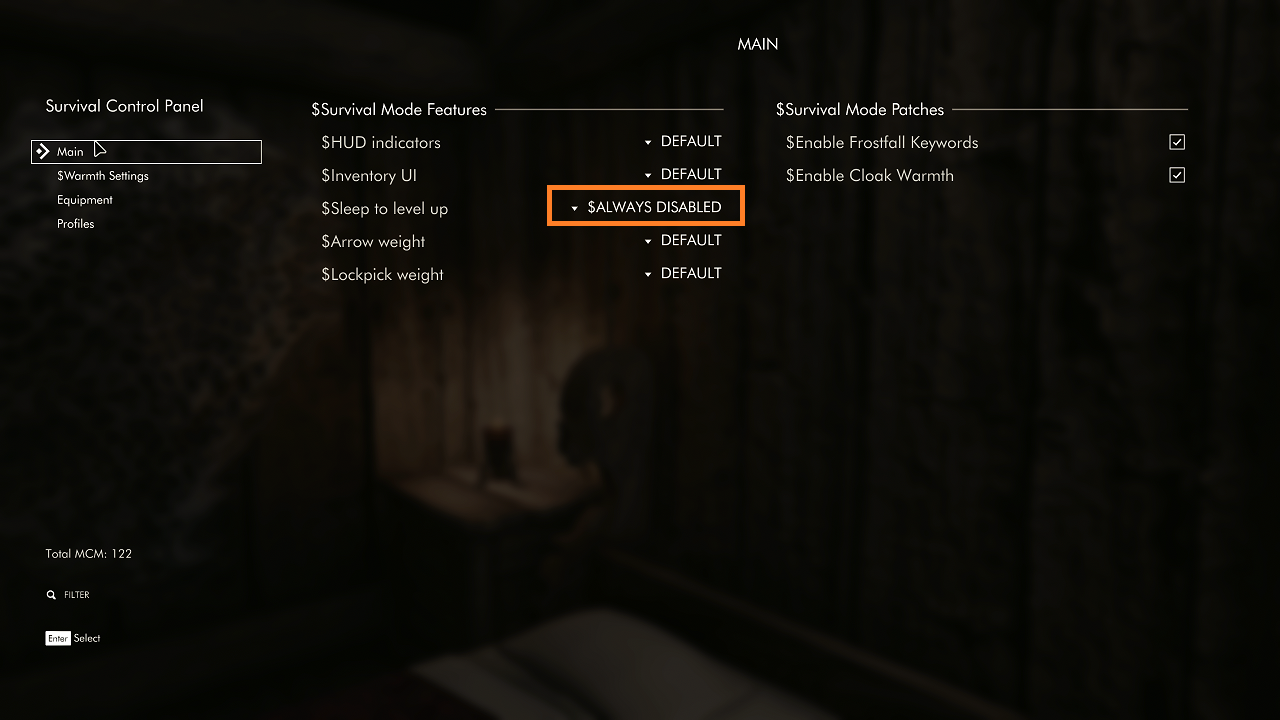
Nolvus V6 Awakening disables Bethesda's Creation Club Survival Mode and replaces it with a modular stack of six immersion mods—plus Immersive Spell Learning and Immersive Equipment Display (F7).
1. Enabling SunHelm Survival (Disabled by Default)
SunHelm manages Hunger, Thirst, Fatigue, and Hypothermia, and starts disabled so new players aren't overwhelmed in the first hour. Enable it in either of two ways:
- First Sleep Prompt: The first time you sleep in a bed (lie down, then press Wait), click Yes on the SunHelm prompt.
- MCM Menu (Anytime): Press
ESC→Mod Configuration→SunHelm→ toggle Enable and customize rates. You can switch it on or off safely at any point.
(Tip: Official V6 Game Troubleshooting notes that if SunHelm's exhaustion XP debuff lingers, make sure you sleep long enough to fully clear fatigue.)
2. How to Bathe (Dirt & Blood)
Your character and NPCs dynamically accumulate dirt and combat blood (primarily visual). Clean off by swimming, standing in rain, or manually bathing:
- Stand in water.
- Press
P(keyboard) orB + DPAD-LEFT(controller) to open Powers/Magic. - Equip
Wash and Rinse. - Press
Z(keyboard) orA + RT(controller) to bathe.
3. Campfire, Hunting & Fishing
- Build Campfire: Equip
Build Campfire(P/B + DPAD-LEFT) and pressZ(A + RT), position it, then pressE(A) to place. UseHarvest Woodthe same way to collect fuel. Interact with any lit campfire and choose Skills to level Campfire's standalone skill tree. - Simple Hunting Overhaul: Looting an animal's pelt updates the carcass visuals and advances time (minutes up to 2 hours depending on skinning experience). Hold
SHIFTwhile looking at an animal to switch from Loot toPick Up Carcass. (Companion mod Immersive Hunting is disabled by default—toggle it on in MCM if you want full skinning animations and selling whole carcasses.) - Simple Fishing Overhaul: Supports 1st/3rd-person fishing with free camera movement and ~200 lines of NPC/follower reactions.
4. Immersive Spell Learning (Why Spell Tomes Don't Instant-Unlock)
In Nolvus V6, reading a spell tome does not instantly consume the book. Studying takes in-game hours depending on:
- Spell tier (Novice → Master)
- Your current magic school skill level and max Magicka
- Whether you are sitting and in a quiet/comfortable interior (inns/homes grant bonuses; the College of Winterhold grants a stronger bonus; the Arcaneum gives the fastest study rate)
Adjust study speed or disable time-skip penalties in the Immersive Spell Learning MCM.
5. Hiding Helmets & Moving Weapons (F7 IED + Helmet Toggle)
How to Hide Your Helmet (Without Losing Armor Perks)
- Open
Helmet ToggleMCM (ESC→Mod Configuration). - Enable the headgear types you want managed (Helmets, Masks, etc.).
- Set conditions for when to hide/show your helmet, or bind an optional toggle hotkey.
- Because Helmet Toggle keeps the helmet logically equipped, Heavy/Light Armor full-set perks still stay active.
- Display Unequipped Helmet on Waist: Press
F7to open Immersive Equipment Display (IED) →View→Custom Items→ selectHelmet Toggle 2→ choose your gender → click Apply.
Moving Weapons, Shields & Quivers
- Weapons (
F7IED): OpenPlacementto move swords to your back, daggers to your back hip, or adjust position/rotation to prevent clipping (even Witcher-style dual back swords—just Favorite every weapon you want displayed while unequipped). - Quivers (
F7IED):Placement→Quiver Left-Hip Bolt. - Shields on Back (Default): To disable shields showing on your player's back, double-click
Simple Dual Sheathin Mod Organizer 2 and change the line toFlags=FirstPerson|NPC(orFlags=FirstPersonto disable for NPCs too).